Showing posts with label linux. Show all posts

Tuesday, 25 June 2019

Linux interview questions and answers

Linux interview questions and answers

All of us, who usually use a laptop and desktops, are aware of the term operating system(OS). OS manages all the resources of hardware of systems and enables the best communication between software and your computer’s hardware. The best feature to define OS is software can work without this like Window7, Windows8, MAC, Windows XP; Linux is also a type of operating system.


Linux has stood as the best used operating system with its features like the best efficiency and fast performance. It can run on different hardware like Intel, IBM and Manufactured Hp, etc. In this article, we are going to discuss some of the best ​Linux interview questions:

1. What is Linux?

A) Linux is an open-source of operating system based on Unix. Linux was first introduced by Linus Torvalds. It gives high efficiency, most of the people choose Linux rather than Windows or iOS because of its low cost.

2. What are the Basic Components of Linux?

A) Linux has the following 4 basic components:
  • Kernal- It is the core part of the Linux operating system and is responsible for all the activities. It manages the hardware.
  • Shell- Shell is a Linux interpreter that is used to execute the commands.
  • System Utilities- These are software functions used to perform individual and specialized operations.
  • System Library- This acts as the best function which accesses the kernel’s operations. Most of the operations in OS was done here.

3. What is the GUI?

A) GUI is nothing but the graphical user interface, which is another way to interact with the system. Unlike CPI, GUI has images, buttons, text-boxes and because of these features, GUI has the interaction action to users.

4. What are the features of Linux?


A) Here is a list of features performed by Linux:
  • It is a multi-tasker and multifunctional as it performs tasks simultaneously.
  • Linux kernel and applications can run on any hardware platforms.
  • It provides security services like authentication, authorization, and encryption.
  • It is very consumer friendly because of efficient accuracy and low cost.
  • It has its own applications that are used for installation and download and it has customized Keywords.
  • Linux supports multi-user to access the same system resources but by different Terminals for operation.

5. Explain LILO?

A) LILO stands for Linux Loader, it is a boot loader that loads an operating system into the main memory for starting its execution. A boot loader is a small program which manages dual boot. The advantage of LILO is it allows the fast boot up of Linux when installing Master Boot Record (MBR).

6. What is CLI?

A) CLI stands for Command Line Interface. It is a process of interaction with computers, where textual base commands are given to instruct operations. It relies on the textual request and response transaction process.

7. What is meant by Swap space?

A) Swap space is an additional space used by Linux to hold temporarily the currently running programs where RAM does not have sufficient memory to hold programs. Suppose if you run a program it resides in RAM, if more programs are running then RAM is not able to receive programs, so here a memory management process is done called swap space. There are different commands and tools used to manage swap space.

8. Explain 3 kinds of permissions by Linux?

A) Every file and dictionary in Linux is assigned by 3 owners which are the User Group and the Others. The certain permissions defined for 3 owners are listed below:
  • Read: This permission allows you to open and read files as much as you can and list the content of the directory.
  • Write: This permission allows adding, reading and removing files in the directory. It allows you to modify the content in files.
  • Execute: User can run and set files in the dictionary. The user needs permission to run a file on the dictionary.

9. How to change permissions in the file or directory?

A) We can change the permission in a file or directory by using the chmod command.it has 2 types of modes
1. Symbolic Mode
2. Absolute Mode

Symbolic mode- We can change permissions by using symbolic mode as
$chmod<target>(+/-/=)<permission><filename>
Here <permossions> can be read,written and executed
And <target> can be user, group, other and all. “+” is used to adding permission. “-” is used to removing
permission. “=” is used to set permission.

The absolute mode-The formal syntax which is used change permission is
$chmod<permission>filename

10. What are Linux commands?

A) There are some important Linux commands were listed below
  • cd cd- Change directory as the name suggest allowing the user to change directory.
    Syntax:$ cd <path to new directory>
  • mkdir​- Make a directory allows the user to create a directory.
    Syntax:$ mkdir <name of a new directory>
  • rmdir rmdir-removes the directory or deletes the directory.
    Syntax-$ rmdir < name of the directory>
  • ls ls- lt lists all the files and directories currently working.
    Syntax:$ ls
  • pwd pwd-path of directory-It shows the path of the current directory.
    Syntax: $ pwd
Linux and its Unique Features

Linux and its Unique Features


Linux is a best known free and open source operating system (OS), it is system software that manages software and hardware resources and provides services to computer systems. Linux was released on September 17, 1971, by Linus Torvalds and written in C language. It is typically packaged in Linux distributions.

Linux was firstly used for personal computers later it started working on many platforms than other operating systems. Linux is the leading operating system in servers and many big ironed systems like mainframe systems. With its features, Linux has become popular worldwide and used in 2.3 percent of desktop computers. Linux training is also used in embedded systems where the operating system is made of firmware and highly automated to the systems. 

It is a multilingual operating system that supports platforms like Alpha, ARC, ARM, Hexagon, NDS32, Unicore32, etc. Popular Linux distributions are Red Hat Enterprise Linux and Suse Linux Entrepreneur server but they are commercial and others are Debian, Fedora, and Ubuntu. Some desktop distributions are Wayland. They intend servers and results in graphics altogether.

How does Linux differ from other operating systems?

Linux is different from other operating systems for many reasons. Firstly, it is an open source and multilingual software. Most importantly, the code used for Linux is free for users to view and edit. In many ways, Linux is similar to other operating systems such as Windows, IOS, and OS X. It has a graphical user interface, and other applications like Word processing application, Linux version of the program can use in other systems as well.

Although many core pieces of Linux are similar to other operating systems, the distributions of Linux include many different software options. Such that web processors and word processors are swiped out. Linux can be used not only in computers but also in other electronic devices. Linux users can choose options like display graphics and user interface components.

Who Can Own Linux?


As it is an open source licensing, Linux is available easily to anyone. The source code is under copyright by many authors individually licensed under the GPLv2 License. Linux has numerous contributors over the world through decades of development and its very tough to contact each author and asking them to change license is impossible, Linux was virtually licensed under GPLv2 and has assured to all.

Who Uses Linux?

Many Companies and individuals use Linux for their servers because of security issues, and large assessments from the community of users and in addition to companies like Canonical, etc.

Probably many of the devices like Android phones, video recorders, cameras and other sources using Linux. Moreover wearables, digital storage devices optimized to use the Linux.

How can I start using Linux?

If you know the Linux already and don’t know how to use it. If you want to install Linux choose the best distributions which suit to your desktops or laptops and give a shot to them. Although there are many distributions available, most of the older and well known are best for beginners because they have large community users can help to solve the problems, if they stuck on something or can’t find the solution on a particular source. Dabian, Mint, and Fedora but there are many other distributions.

What are the commands used in Linux?

It takes some time to understand the Linux commands in the beginning. Firstly, we should know what command need for the task to a head, how to format it and how to resultant it. Moreover, it is easy and possible to speed up the process. Some of the commands like find, locate and view are available for finding the files. On the other hand mkdir, rmdir, cd dir, rdir are available for associating with directories in Linux.

How can I contribute to Linux?

Most of the Linux kernel is written in C language and a little assembly of other languages is sprinkled in it. If you are interested in writing code for Linux kernel the best way is to start in Kernal Newbies FAQ which will help you to know the concepts and processes similar to it.

But the Linux community is more the kernel and needs contribution from lots of people besides the programmers. Each and every distribution contains hundreds of programs to handle these there is a need for much skilled and variety of people needed to make is successful.

Conclusion

As Linux is an open source with its features, it became popular than other operating systems. Apart, Linux is used in Smartphones, Android phones, word processors and tablets for the best performance. If you are searching for the best operating system for your desktops and laptops, I recommend Linux.

Tuesday, 9 April 2019

Top 6 BitTorrent Clients for Linux Users

Top 6 BitTorrent Clients for Linux Users

I have been a Linux user just for a little while now – though with previous experience – and the amount of tools I’m looking to download and install is growing at a steady pace, most of the stuff is work related; but stuff like a good BitTorrent client is essential.

Few years back, I was working in the file-sharing industry, and while there weren’t that many technical aspects to it, one of the most important tings at the time was a good torrent client that could withstand big download speeds, and make file sharing much quicker than it would be on Windows for example.


These days, the major concerns that people have with these BitTorrent clients is their privacy, as it’s not always the case that we download only legal torrents, even if it is for our own use; and so the need to feel safe and protected from groups like NSA – comes naturally.

I’m no position to tell you whether a BitTorrent client is going to spy on you or not – it’s most likely going to be your internet provider anyway – but I can tell you right now, listening to what other torrent users have to say is not a wise idea.

I know it’s the NSA spying on me, how else could they know that I have this huge collection of adult material? I mean it makes no sense, blah, blah.

The above quote is the typical stereotype who looks at the world with the wrong pair of glasses.

1. Deluge


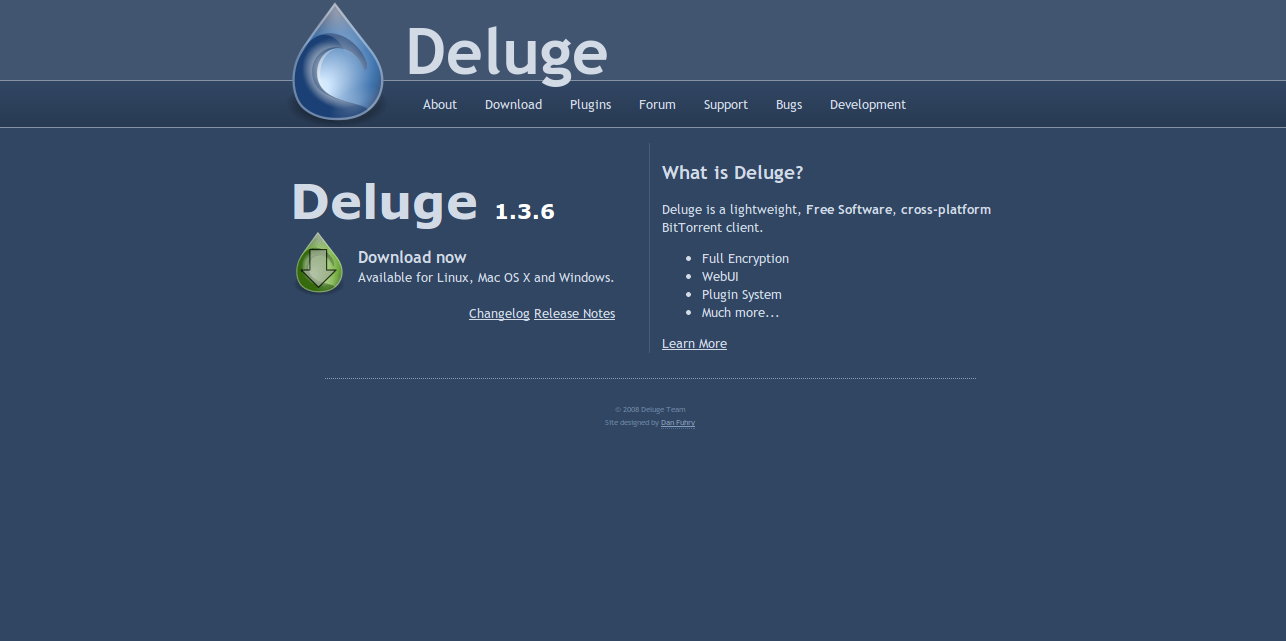
This has been one of my favorite torrent clients for a really long time, and the reason for that is the incredible simplicity, yet outstanding performance. Deluge is powered by libtorrent in the back-end, making it one of the quickest torrent clients in the world.

In fact, it’s so simple, most of the stuff that you’d want to have needs to be installed through 3rd party plugins, both official and non-official. It has been built as a torrent client that understands that downloading files is not the number one priority of the computer, and so deals with the available system resources in a beautiful manner.

The latest version is Deluge 1.3.6 and it’s available for all three major operating systems.

2. Transmission


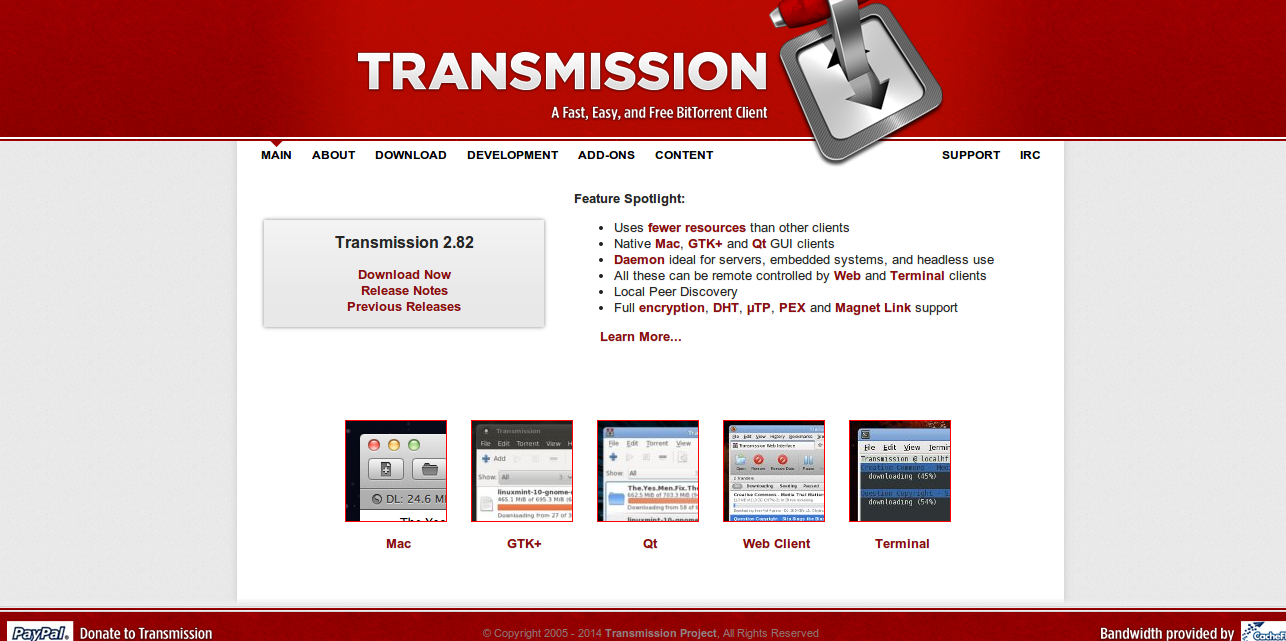
Most of my experience with this torrent client has been from within the web interface, I remember using Transmission as my go-to client whenever I’d need to setup a seedbox, on a server that I’d rent from OVH – most of the time. It’s quite popular in that scene, but it’s also quite popular between the average user.

It’s an open-source client, not only claiming to be bullshit free – but actually tries to follow that philosophy. I quickly learned that it is also the default BitTorrent client for Ubuntu, the OS I’m using right now.

In separate benchmarks, Linux Format and Lacrocivious both found Transmission to use less CPU than any other GUI client. It even used less CPU than some non-GUI clients.

3. qBittorrent


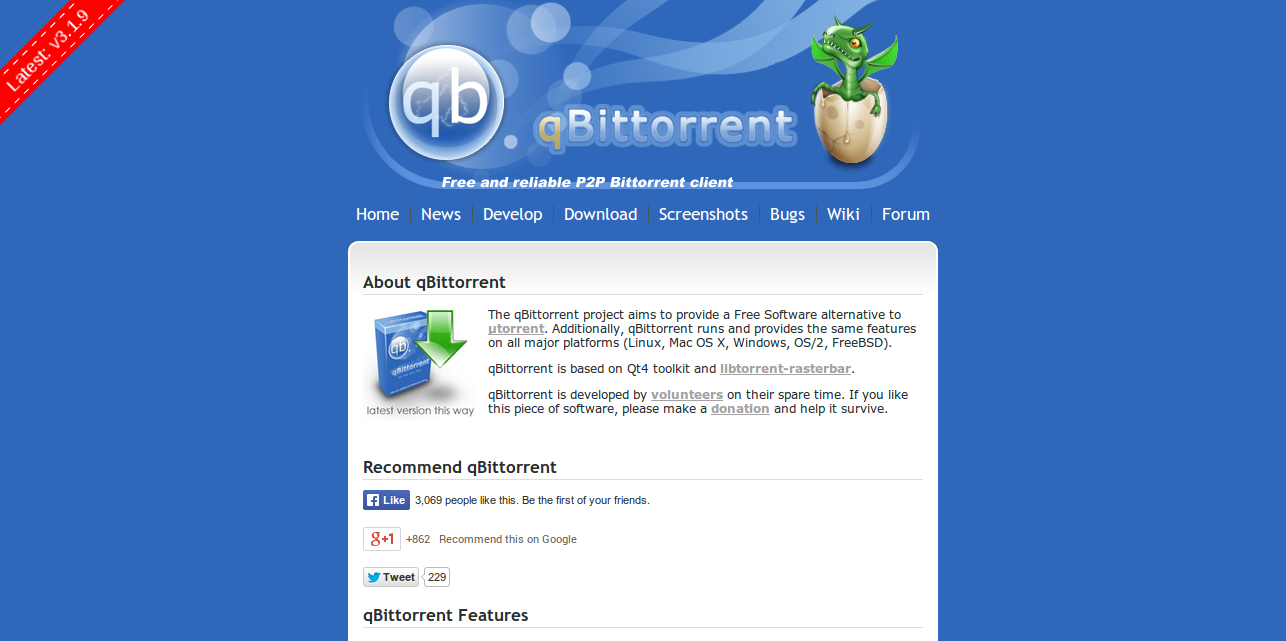
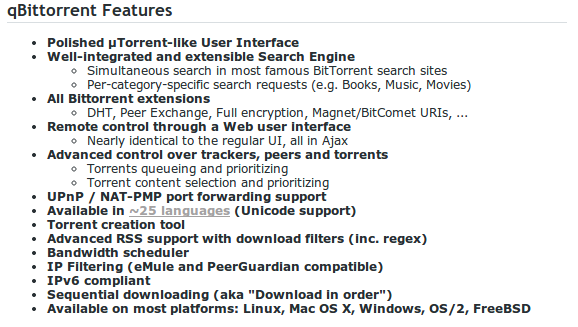
It aims to be a good alternative to all other bittorrent clients out there. qBittorrent is fast, stable and provides unicode support as well as many features. Once again, built with the help of libtorrent, and is also an open-source project that lives on the support of community members.


One of the features that stood out for me was the speed of creating torrent files, I’m not quite sure what is the algorithm they use, but it was one of the quickest results I’ve seen across the torrent clients I’ve tried over the years.

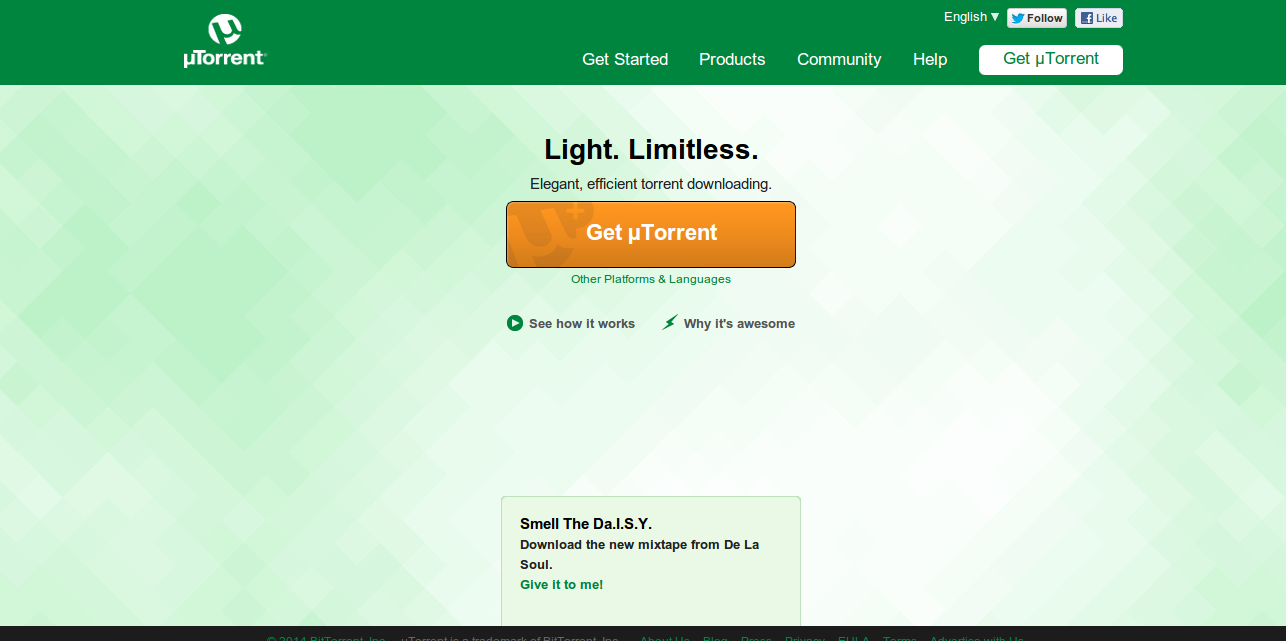
4. uTorrent


It’s like the worst dream possible: supported by ads, acquired by BitTorrent.com and also closed-source – now what could possible go wrong there, right?

Though, it’s still one of the most popular torrent clients in the World, due to the high popularity on the Windows operating system. There haven’t been any real studies and research concluded on BitTorrent client usage in the past years, so I’m unable to give exact accurate data.

uTorrent is not a bad torrent client, it’s certainly lightweight and incredibly easy to use, offers a wide variety of features and rich settings that you can setup to your own needs, often to increase the caching speed and similar technical stuff.

What I do like about uTorrent is their reward system, and collaboration with artists who sometimes give away their music for free, through uTorrent.

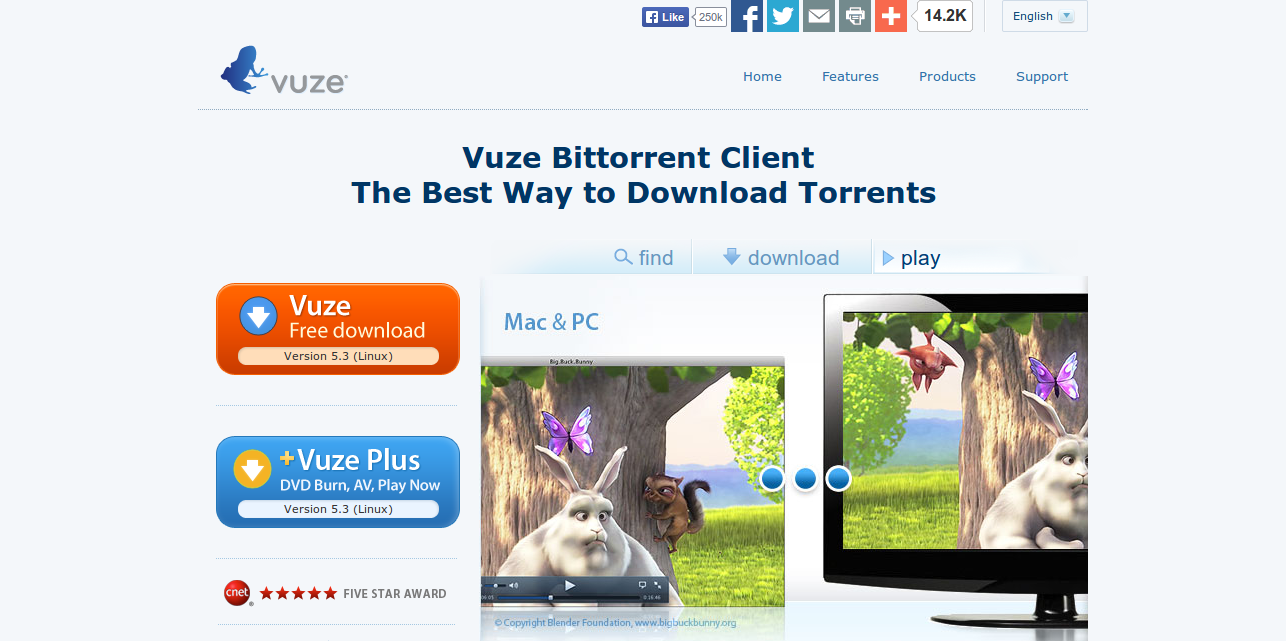
5. Vuze


The Vuze Bittorrent Client is an end-to-end software application for all your torrent needs. Although it is a complete bittorrent downloader, the Vuze program maintains a lightweight footprint, doesn’t slow your computer down, and quickly downloads torrents.

Vuze likes to think about their community members, and the client users; and to point that out, they provide an incredibly rich search feature that will literally enable you to find all that you need from within the torrent client itself. It’s a great way to save some time, by not having to look something up on every possible source there is.

Get the Vuze Remote™ application for Android for easy, remote access to your Vuze desktop client from any Android device, smartphone or tablet. That’s right, you can interconnect everything and have your torrents with you on the go. Now, I guess that is what you call forward thinking.

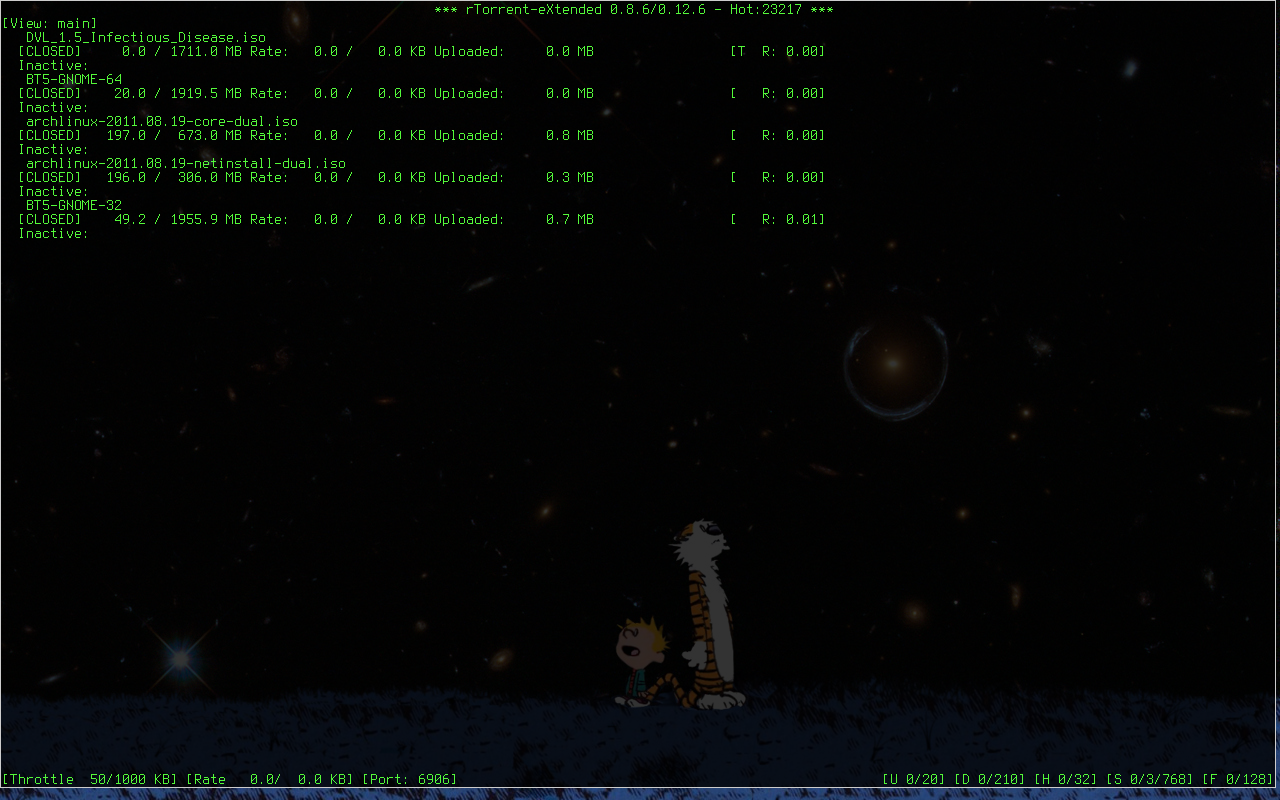
6. rTorrent


Those who’re more experienced with Linux, don’t really want to play around with GUI tools and instead prefer something as simple and technical as rTorrent, a BitTorrent client that’s based on the popular torrent library libtorrent. Not the only tool on the list that does.

You can check out ruTorrent to launch this client from within the web interface, if that is what you prefer. rTorrent is incredibly lightweight, and probably the best choice for systems that haven’t been built for general usage.

Conclusion on The Best BitTorrent Clients for Linux

Great deal of variety, with a few similar options here and there. I prefer to use Deluge, as I’ve known that torrent client for a long time, and it also runs perfectly fine on my Ubuntu distribution.

In either case, anything that gets the job done is good enough for me. What about you? Which torrent client do you use to download stuff and which of these have you tried yourself?
Top 5 IRC Clients Available for Linux Distros

Top 5 IRC Clients Available for Linux Distros

IRC, probably the oldest way of internet communication that’s known to the modern man. I remember my first IRC days back in 2004/2005, it was an exciting time – all the learning that happened, all the hacking and gathering to discuss the newest stuff. Good times.

To this day, IRC has been able to maintain its popularity to some extent, with most open-source software still having a IRC channel of their own, to discuss the latest with the community. When you think about it, what other way would there be to communicate, have 500+ people in a Skype joint? Probably not.

I’ve been an IRC user on and off for many years, and the three of my favorite networks to this day have been Rizon, Freenode and QuakeNet. Although, QN has been at the very bottom of the list for a long time now. What are your favorite IRC networks to visit and idle about?

I’m going to be taking a look at some of the most popular IRC clients for Linux users, because I needed to find a solution myself when switching over to Ubuntu. To this day, I still think that mIRC + NNScript (RIP) on Windows was the best solution ever!

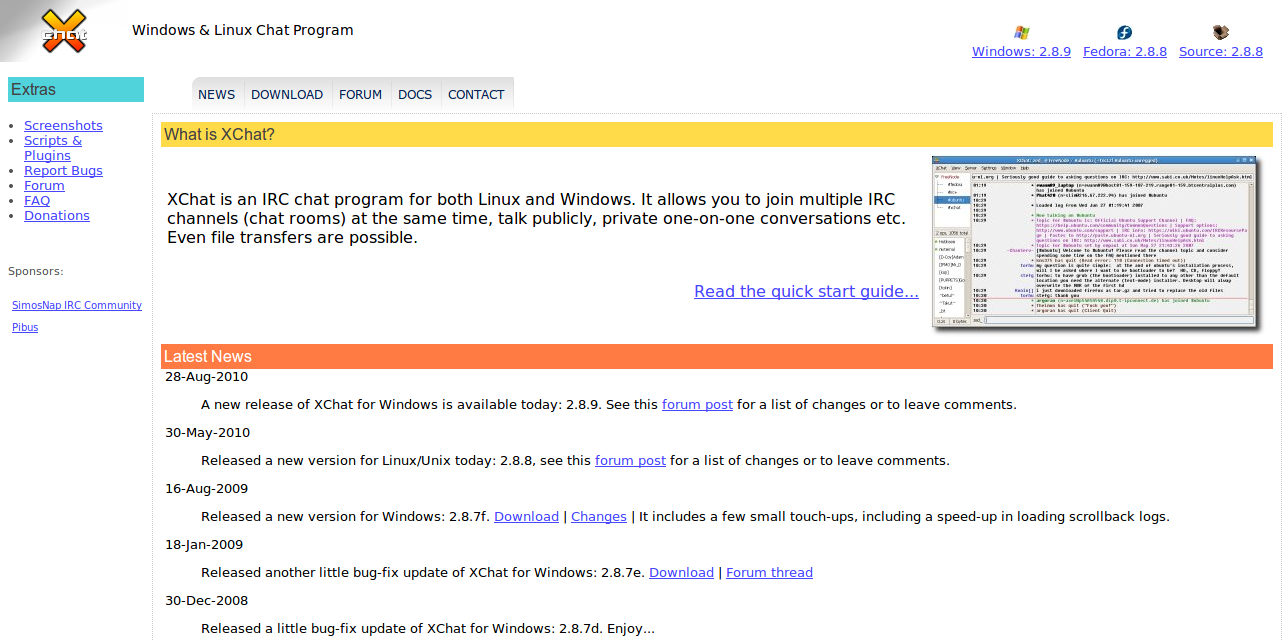
1. XChat


XChat is my current IRC client on my Linux installation, I’m quite happy with how it is performing, and I think the overall looks of it are very appealing. You can join as many networks and channels as you like, and for those who care – file transfers are also enabled.

While XChat is not that advanced, beginner users might find it more appropriate to install the XChat-GNOME version of the IRC client, which has a much more friendly user interface, and provides a less cluttered learning curve. I’ve linked to the Wiki for you to see images and more info.

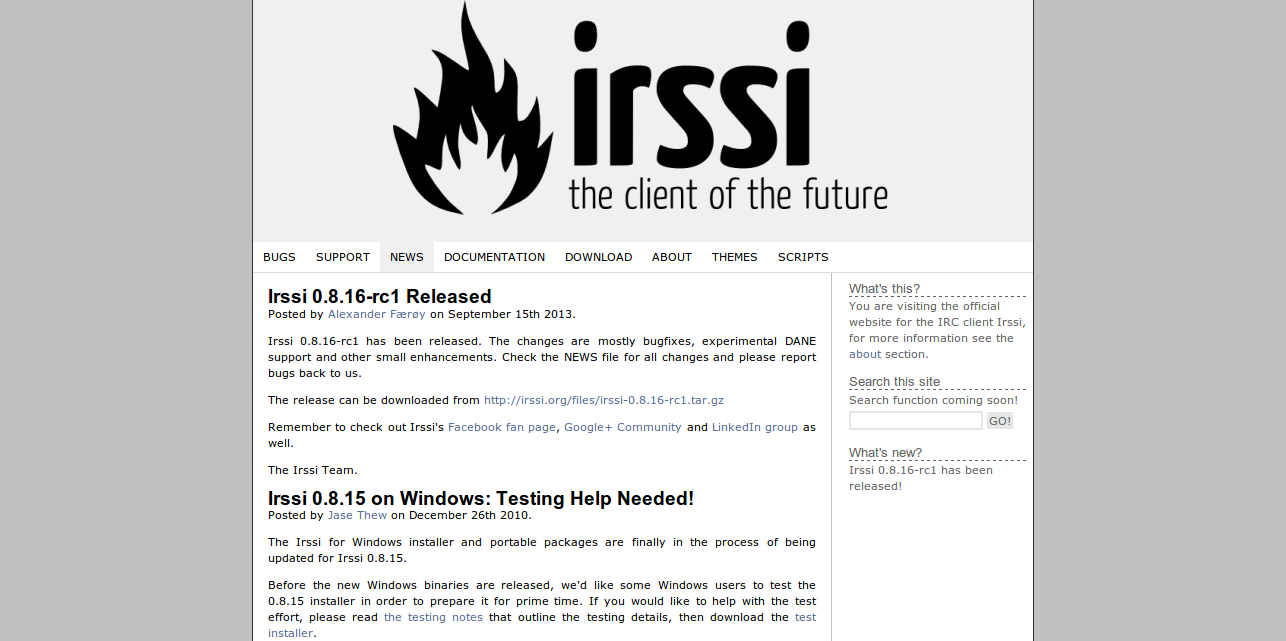
2. Irssi


Ah, Irssi! This has been acclaimed as one of the greatest IRC clients for the technical Linux user. I remember when it all first began, how the elite would empower themselves – talking down on those using a GUI client.

It’s a text-mode client that works on all major platforms (Cygwin for Windows), and while it might seem difficult to understand at first – it actually offers some really practical functionality and modelling system that you can take to your advantage, and build your own hackers IRC client.

3. Quassel

Quassel is a program to connect to an IRC network. It has the unique ability to split the graphical component (quasselclient) from the part that handles the IRC connection (quasselcore). This means that you can have a remote core permanently connected to one or more IRC networks and attach a client from wherever you are without moving around any information or settings. However, Quassel can easily behave like any other client by combining them into one binary which is referred to as “Quassel Mono”.[Wiki]

I’ve not have had a lot of experience with Quassel, but during my research a couple of people have been saying that it’s a good alternative, and does the job well. Have you used Quassel, and do you have anything special to say about it? I’d love to add it to this section!

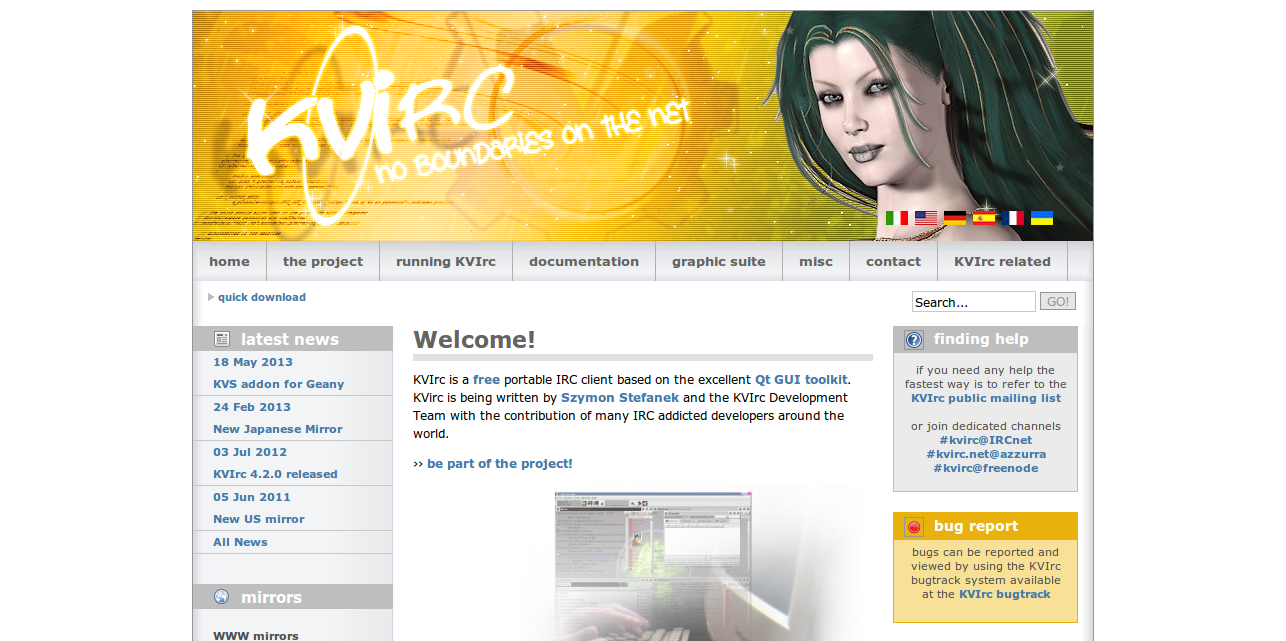
4. KVIrc


I don’t think anyone should expect that many features from an IRC client, at the end of the day – it all comes down to being able to transmit messages, and see what others are up to. With that in mind, it does help to have extra plugins, tweaks and even styles to play with, and adjust to our own needs.

KVIrc has a great community behind it, it’s a traditional IRC client that has got multiple language packs available, IPv6 and proxy support, and quite a bit of scripting properties – too many to just list here, so check out the website to learn more.

And yeah, there are pre-made themes available – see here, it’s worth doing a Google search for some that are made by the community members themselves.

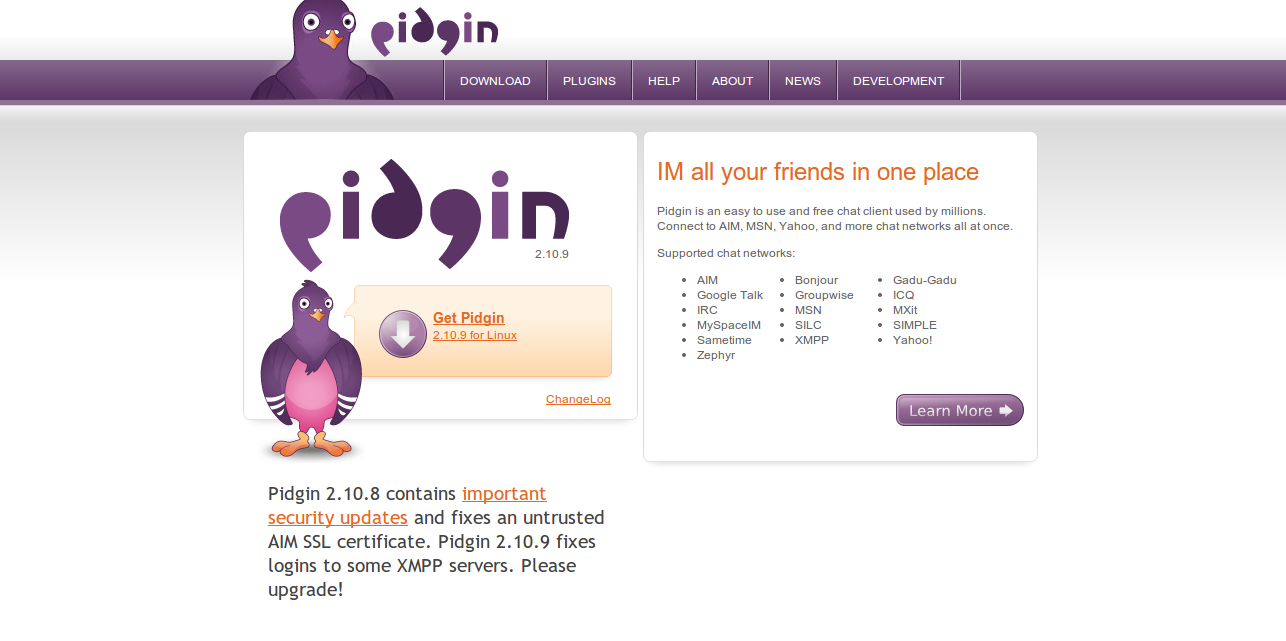
5. Pidgin

This is a universal chatting client that works on a lot of different mediums, but does provide support for IRC usage as well, you can log-in into multiple chatting platforms at the same time – giving you the flexibility you need, instead of having to download a new client for each platform.

It does everything that a normal chat client would do, and more! It is also quite known in the industry as the go-to client when it comes to discussing matters over encrypted channels, which can be achieved by the usage of the wide plugin system that Pidgin has. There are roughly 2-4 million active users of Pidging, so the community support is always available.

What’s Your Favorite IRC Client for Linux?

I think I’ve covered the majority of options out there, most of which are very popular and have communities behind them to support development and general problem solving. What about you, and the IRC client you use on your Linux distribution?
How to Optimize Your Ubuntu’s Performance

How to Optimize Your Ubuntu’s Performance

One of the first things I wanted to do when I first setup my Ubuntu, was of course look into the optimization abilities, and how I could make it faster than it already is.


On Windows, it’s usually pretty straight forward, you increase some RAM cache and keep your disk defragmented on weekly basis – makes the PC feel like it was never booted up, and each time you do; it’s like first time all over again.

While I was doing my research, and trying out a couple of things that work and that don’t – I came to the conclusion that there aren’t THAT many things you can do to increase the speed and performance of your Ubuntu installation.

It’s by default amazingly fast, but there are some little tweaks we can implement to improve, and perhaps even make a significant increase in the overall system performance.

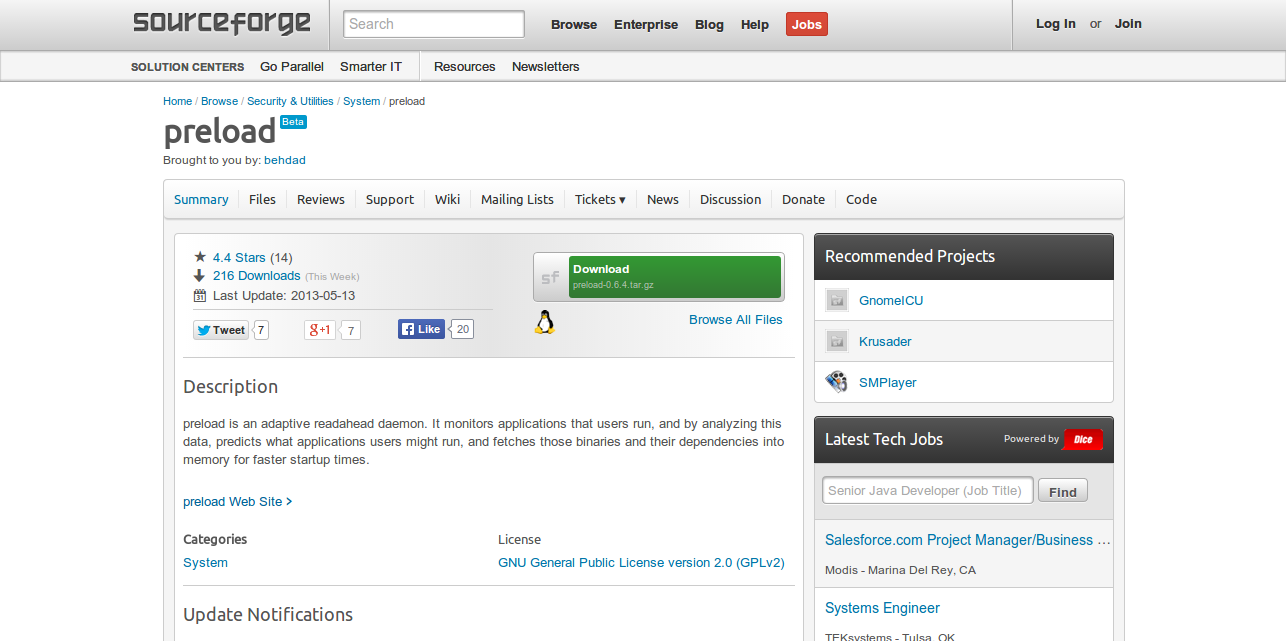
preload


preload is an adaptive readahead daemon. It monitors applications that users run, and by analyzing this data, predicts what applications users might run, and fetches those binaries and their dependencies into memory for faster startup times.

There is a lot of opinion on whether preload works or not, but most of the arguments lean towards the program being useful if you’re working with programs and applications that require frequently reloading from the cache (hence the name), and so if the only thing you’ve got open all day is Firefox or Chrome, you’re probably better of not having preload installed.Install: apt-get install preload Config: /etc/preload.conf

It has been reported to increase the boot time significantly. I’m using it myself, but not quite sure whether I see that little margin as a huge improvement in overall performance.

Swappiness


You can follow the link above to learn much more about Swapiness (or read from the snapshot), and how it works. The basic way of modifying it, for the most average Linux user is:Edit: nano /etc/sysctl.conf Add: vm.swappiness = 10

You can add that last statement at the beginning of the file, and it will work just fine. I do think you need to reboot the system for the effect to take place.

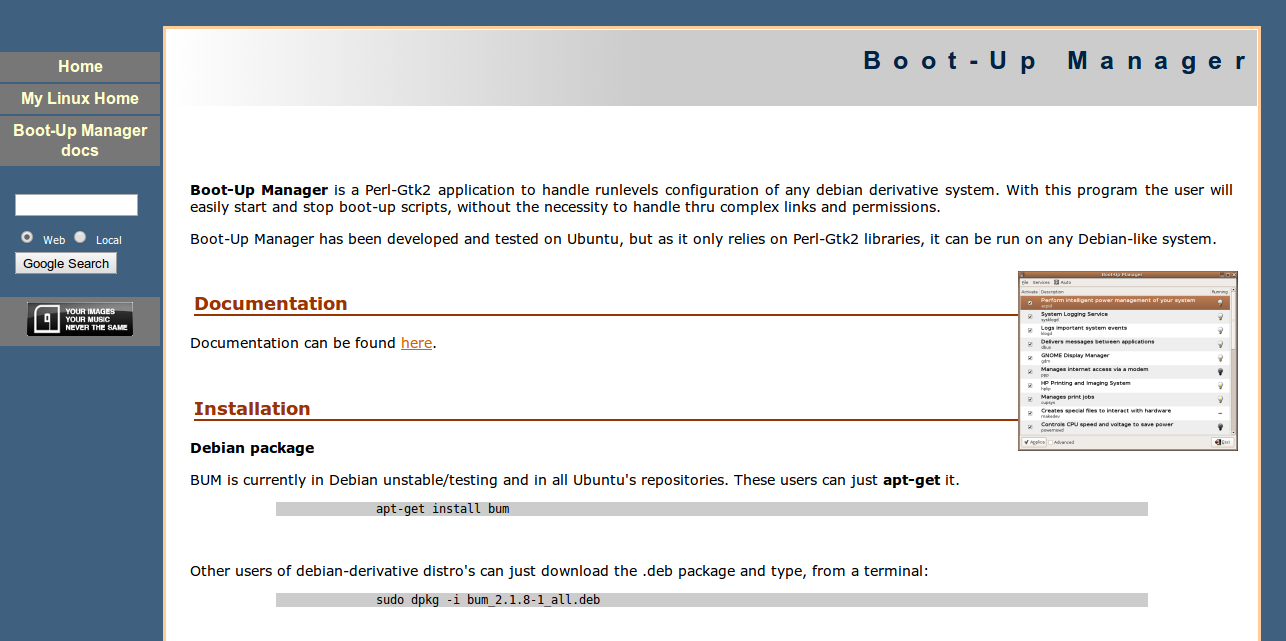
Boot-Up Manager


I tried using the default startup application manager that comes pre-installed with Ubuntu 13.10, but it appears that the only thing I could do is add more items to the list, instead of remove the current ones. I had to find an alternative.Install: sudo apt-get install bum

That’s it, you can then look for the app through software center and you’ll be able to edit your startup items. Remove all the ones that you don’t use on daily basis, or that frequently. Instead, have them boot up whenever you use an application or launch a process that needs them.

Improving Your Ubuntu Performance

These are all the ones on the top of my list, and unfortunately I’ve still got a few things to learn, before I can commit on building benchmarks and listing other methods that I currently cannot vouch for.

I’d love to invite you to leave a comment with your own tips and tricks on how to improve the system performance, and how to make it quicker.
Two – Factor Authentication on Linux Machine

Two – Factor Authentication on Linux Machine

In case you are operating some form of business, there is a probable possibility that you are using the Linux OS in one way or perhaps another. Linux uses countless servers, personal IoT, and computers devices, and also for probably the most part, these products are set up being seen and administered remotely. 

In businesses, Linux servers are tasked with running serious tasks and also saving sensitive info, meaning protecting them from unauthorized access is fully necessary.


Usually, devices that are running Linux OS are secured with just username and password. And in the age of ubiquitous connectivity and cheap supercomputing it becoming increasingly evident, that simply using password isn’t a good protection for all – your devices are still unsecured from unwanted access. Using the right tools and decent skills hackers will easily break your Linux machines by staging phishing scams or by running brute-force and dictionary attacks.

The best way to prevent such situations would be enabling two factor authentication or simply 2FA. It will add the layer of security to your Linux, by requiring owners to provide an extra token aside from passwords when attempting to login. This can avoid attackers from accessing a machine by stealing or perhaps cracking a password.


What are the 2FA options for Linux?

Several of the very popular 2FA mechanisms are one-time passwords and physical keys that are sent via a telephone number or maybe a mobile application. Linux presently supports the Google Authenticator, a mobile application which gives you OTPs throughout the login procedure.

Users are given a secret code when activating for the GA application on Linux. It is used to connect their phone to their account.

Afterwards, when logging in or even entering a sudo command, the person will probably be prompted for their password along with a one-time password which shows up on the connected phone. OTPs expire after a specific amount of time goes by and after they have been used.


This 2FA method will help improve user account security on Linux user profiles and also causes it to be significantly more difficult for cybercriminals attain unwanted access to some Linux device. Nevertheless, it’s some distinct drawbacks. For starters, it requires owners to get into 2 passwords, that most customers find annoying.

The procedure may additionally be monotonous when you want fast access to the bank account of yours. Next, the 2FA mechanism relies on one channel to produce the OTP of its, and that helps make it susceptible to hacks.

When the passcode be intercepted or even cloned, or even in case the key code is found and placed on a second phone, a malicious user will have the ability to use the Linux account.